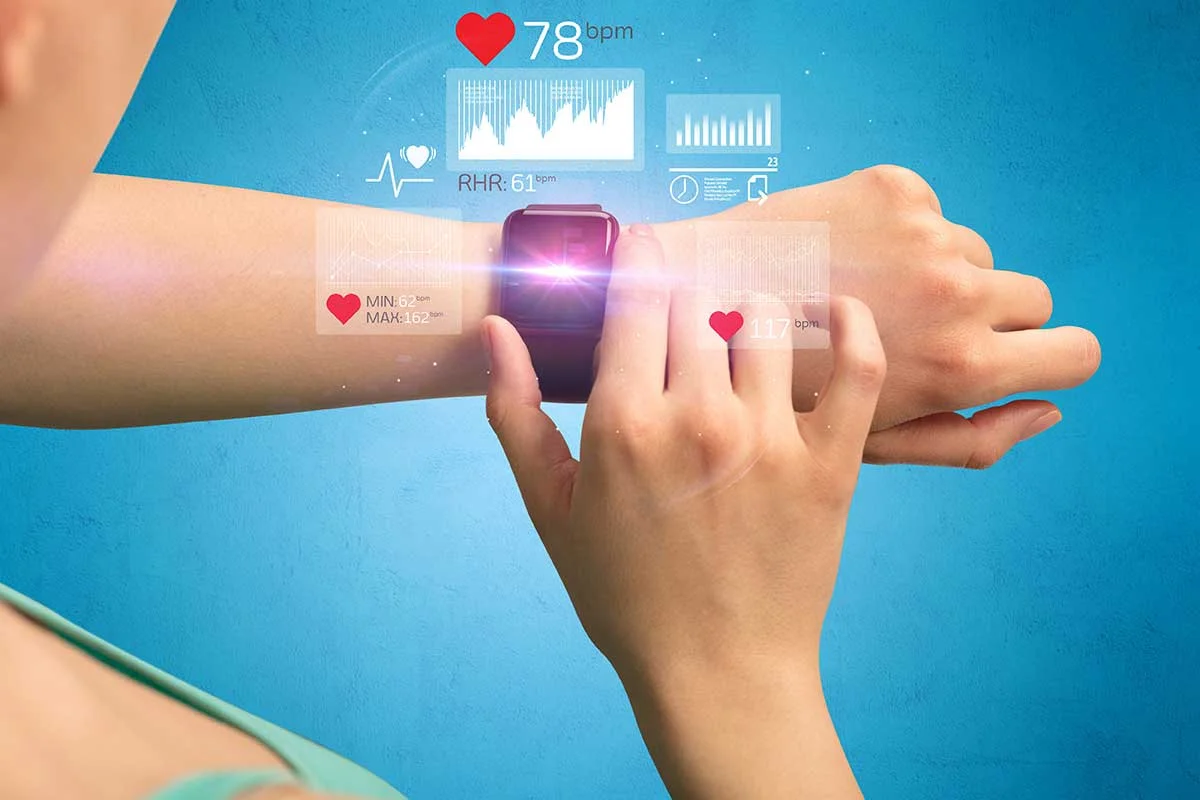
Tech Gear Basics
Tech gear decisions often fail at the “small print” layer: power requirements, sensor limits, data handling, and compatibility with the apps and services you already use. A fitness tracker that pairs with one phone model can behave differently on another due to Bluetooth profiles, background permissions, and OS power management. A noise-cancelling headset can sound fine in a store demo and still disappoint during commuting because wind noise, fit pressure, and codec support change the experience.
Health-adjacent use cases make these details matter more. Sleep tracking depends on motion sensing and how the device classifies rest versus stillness. Hearing-related comfort depends on ear tip fit, maximum output limits, and whether the device supports hearing-aid style profiles. Privacy depends on whether the device stores data locally, uploads by default, and how long it retains logs.
Start by writing down your actual use pattern: where you use the device, how often you charge it, which phone or laptop you own, and what data you are willing to share. Then match that pattern to the device’s documented constraints, not the marketing summary.
Common Shopping Blind Spots
People often shop by headline specs and miss the dependencies that decide whether the gear works reliably. A “battery life up to X hours” number can assume a specific brightness level, sampling rate, and wireless mode. If the device uses continuous GPS or high-rate heart sensing, real-world runtime can drop sharply, and the drop varies by firmware version.
Compatibility gaps show up in subtle ways. Some devices require a specific Bluetooth version or a particular app version to support features like firmware updates or advanced sensor modes. Others rely on background services that get throttled on certain operating systems unless you grant permissions. I’ve seen buyers lose weeks to “it pairs but won’t sync” issues after an OS update; the fix usually involves permissions, not a new device.
Data handling is another blind spot. Many devices collect identifiers, usage logs, and sometimes location data through paired phones. The practical question is not only what the privacy policy says, but what the default settings do on first setup. If you skip the setup screens, you can end up with cloud sync turned on, analytics enabled, or marketing emails activated.
Sensor accuracy claims also need context. Motion sensors and optical heart sensors can be affected by skin tone, hair, sweat, and fit pressure. Sleep staging algorithms often rely on proprietary classification models, so two devices can disagree on the same night even when both are “working.” The disagreement is not always a defect; it can be a difference in model training and signal processing.
Solutions And Advice
Verify Compatibility Before Buying
Check three layers: hardware compatibility, app compatibility, and update path. Confirm the device supports your phone OS version and the app version listed in the store. If the device uses Bluetooth, look for the supported profiles in the manual or developer notes; “Bluetooth” alone does not guarantee support for every feature. For example, some wearables support Bluetooth Low Energy for basic sync but require additional services for continuous streaming.
Test the update path before committing. If the device needs firmware updates to fix bugs, confirm it can update over your connection type (Wi‑Fi versus phone hotspot versus USB). A small aside: on one popular wearable line, firmware rollout notes referenced version numbers like “FW 2.3.1” and “app 6.4.0,” and the features changed only after both updated. That pattern repeats across many device ecosystems.
Audit Battery Claims With Real Use
Translate “up to” into your routine. If you plan to use GPS, continuous heart rate, or high-brightness displays, search for documented power modes and expected runtime per mode. Many manuals list battery consumption by feature, and some apps show current battery drain categories. If the device offers “power saver” modes, check what sensors get reduced and whether those reductions affect your health-adjacent metrics.
Charge friction matters too. A device that needs daily charging can be fine if you charge during a consistent routine, but it becomes a problem if you travel or forget. Look for charging method convenience: magnetic pogo pins versus USB-C, cable length, and whether you can charge while using the device. A short cable that works at home can become a daily annoyance in a hotel.
Control Data Sharing Defaults
During setup, review permissions and toggles before connecting the account. Look for settings that control cloud sync, analytics, location collection, and ad personalization. If the device supports local-only mode, confirm what data stays local and what still uploads for diagnostics. Read the “data retention” language carefully; some services retain logs for a fixed period even after you turn off certain features.
Check account deletion and export options. Many ecosystems offer data download tools, but the formats and completeness vary. If you care about portability, confirm whether you can export raw sensor data or only summaries. A mild frustration: some apps export charts but not the underlying time series, which limits your ability to audit results later.
Test Fit, Output, And Measurement Limits
For wearables and audio gear, fit drives performance. For headsets, test ear tip seal or headband pressure and verify whether the device supports the audio codec your source uses. For wearables, measure how snug the sensor sits and how it behaves during movement. If the device includes skin temperature or SpO2 readings, check the documented conditions for reliable measurement, such as stillness requirements.
For hearing-adjacent devices, confirm output limits and safety warnings. Consumer devices may include volume caps or “hearing protection” features, but the exact behavior depends on region and firmware. If you rely on these features for comfort, test them at the volume you actually use, not the quiet demo level.
Case Examples For Buyers
Sleep Tracker Setup Mismatch
An anonymized buyer used a phone with a recent OS update and paired a sleep tracker. The device recorded sleep time but showed “awake” spikes during commuting, which the buyer assumed meant poor sleep quality. The root cause was a permission setting that restricted background motion processing after the OS update, so the device relied on less detailed signals. After enabling the app’s background activity and disabling an aggressive battery optimization mode, the sleep graphs stabilized. The buyer still saw night-to-night variation, but the pattern matched their routine more closely.
Headset Codec And Fit Issues
An anonymized buyer purchased a noise-cancelling headset for daily transit and used it with a laptop and a phone. In-store audio sounded balanced, yet on the train the bass felt thin and the noise cancellation seemed weaker. The buyer later discovered the phone used a different audio codec than the laptop, and the headset’s “enhanced” mode required a specific codec or app setting. Fit also mattered: a slightly loose seal reduced passive attenuation, so the active cancellation had less to work with. After switching ear tips and enabling the correct audio mode in the app, the listening experience aligned with expectations.
Comparison Checklist
| Decision Area | What To Check | Why It Changes Results | Quick Test |
|---|---|---|---|
| Battery Modes | Runtime by feature (GPS, sensors, brightness) | “Up to” assumes a specific configuration | Run your routine for 1 day and compare app drain |
| App Permissions | Background activity, location, notifications | OS power management changes sampling | After an OS update, verify permissions before judging accuracy |
| Data Defaults | Cloud sync, analytics, ad personalization | Defaults can upload more than you expect | Review toggles during setup and after the first sync |
| Measurement Limits | Fit requirements, stillness needs, output caps | Sensors need conditions to perform | Test in the same conditions you’ll use daily |
Use this step-by-step checklist before checkout: confirm device-to-phone compatibility, check app permissions after pairing, review data sharing toggles, verify battery runtime for your feature set, and test fit/output in your typical environment. If any step fails, treat it as a signal to adjust expectations or change the gear.
Common Mistakes
People often assume a device’s “accuracy” stays constant across contexts. Optical sensors can drift with fit changes, and audio performance can change with ear seal. If you compare results across different days without controlling fit and permissions, the comparison becomes noise.
Another mistake is ignoring update timing. A firmware update can change measurement behavior, battery drain, or data export formats. If you judge performance after an update, record the version numbers shown in the app settings so you can interpret changes later. I’ve watched buyers chase “bad readings” that were fixed in a later firmware note dated, for example, 2024-11, but they never checked the version history.
Some buyers skip the privacy and account controls because they appear “administrative.” Those controls affect what data leaves the device and how long it stays in logs. If you care about health-adjacent data, treat account settings as part of the product, not a separate chore.
Finally, people over-trust store demos. Demo audio often runs at controlled volumes with stable network conditions, and wearables may be tested on a single skin type or fit style. A device that performs well for 10 minutes can still underperform during a full day of real use.
FAQ
What specs matter for wearables?
Look for documented measurement conditions (fit and stillness requirements), battery runtime by feature mode, supported phone OS versions, and data export or sync behavior. Headline “accuracy” claims rarely explain how permissions and sampling modes affect results.
How do I check if a device will sync?
Confirm the exact app version and OS compatibility, then verify Bluetooth pairing plus background permissions after setup. If syncing fails after an OS update, the fix usually involves permissions and battery optimization settings rather than replacing hardware.
Do privacy settings change after setup?
Yes. Some apps enable cloud sync or analytics by default during onboarding, and later updates can add new toggles. Review settings after the first sync and after major app updates.
Why do sleep or heart readings vary?
Fit pressure, movement, skin contact, and algorithm differences drive variation. Two devices can classify the same night differently because their signal processing and model training differ.
What should I test for audio gear?
Test ear seal or headband pressure, volume behavior, and whether the headset supports the codec and audio mode used by your phone or laptop. Also check how noise cancellation performs with wind and train-like low-frequency noise.
Author's Insight
Most shopping regret comes from mismatched assumptions: buyers expect stable performance without checking permissions, update behavior, and measurement conditions. The most reliable approach is to treat the device as a system that includes the app, phone OS, wireless connection, and account settings. For health-adjacent metrics, interpret trends rather than single readings, because algorithms and sensors depend on context. If you track version numbers and settings during setup, you can explain changes later without guessing.
When evidence is unclear, manuals and app settings usually reveal the constraints that matter more than marketing summaries. Reading the device’s user guide for battery modes, supported features, and data handling often prevents weeks of troubleshooting.
Key Takeaways
- Match the device to your phone OS, permissions, and update path before judging performance.
- Translate battery “up to” claims into your real feature mix and charging routine.
- Review data sharing defaults during setup and after app updates, since settings can change.
- Test fit, output, and measurement conditions in the environment you actually use.
- Record version numbers so you can interpret changes after firmware or app updates.