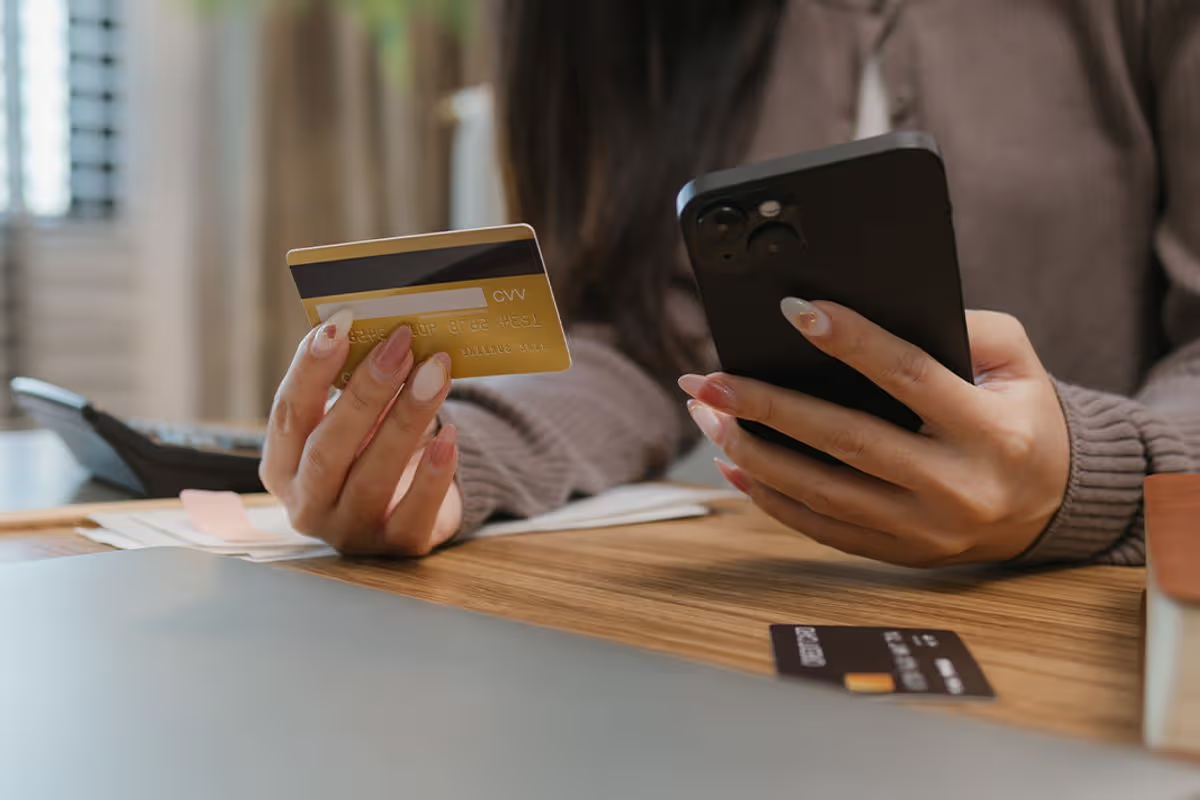
Free Trial Billing Basics
Free trials often convert into paid subscriptions on a fixed schedule, then charge the payment method you entered at sign-up.
Most services use an automated billing workflow: trial start date is recorded, trial end date is calculated, and a renewal attempt runs shortly after the trial period ends. If the payment method is valid, the renewal charge posts. If the payment method fails, some services retry, which can create multiple pending or later charges.
Common examples include fitness or telehealth platforms that offer a “7-day free trial,” meal planning apps with “14 days free,” or remote monitoring tools that bundle coaching. The health angle matters because these services may also request permissions, data sharing, or add-on plans during the trial window, which can change what you pay for after conversion.
A small aside: I’ve seen trial pages where the “cancel anytime” line appears, but the cancellation deadline is listed only in a separate “billing terms” link that loads after scrolling. That layout choice is legal in many jurisdictions, yet it still catches people who skim.
Where Trials Go Wrong
People usually lose money through a chain of small errors rather than a single obvious scam.
One frequent mistake is canceling in the app while the subscription is managed through a different billing system. For example, a service might sell subscriptions through Apple App Store or Google Play, while the website account shows only profile settings. If you cancel the wrong layer, the trial can still renew.
Another pain point is assuming “free” means “no payment authorization.” Many services place a temporary authorization hold or require a card on file to start the trial. Even when no charge occurs during the trial, the authorization can still trigger bank notifications, and a later conversion can post immediately after the trial ends.
Supporting technologies behind these failures include subscription management platforms, payment gateways, and app store billing. These systems track entitlements and renewal status separately from your email inbox. That separation is why a cancellation email alone does not always prove the subscription is actually turned off.
A third issue is add-ons that start during the trial. Some services offer “premium coaching” or “extra reports” with a one-click upgrade. If the upgrade uses the same payment method, the trial conversion can stack with the add-on charge, and the billing history will look confusing.
Prevent Hidden Charges
Check Renewal Date Before You Start
Look for the exact renewal timestamp, not just the trial length. If the page says “7 days free,” confirm whether renewal happens at the end of the day in your time zone or exactly 168 hours after sign-up. When the site shows only a date without time, treat it as a risk and plan to cancel at least 24 hours before the end date.
Use a calendar reminder tied to the sign-up date. A practical method: record the trial start date from your confirmation email, then set two reminders—one 3 days before the end and one 1 day before. I once tested a subscription flow in a sandbox environment (Stripe test mode, versioned dashboard UI) and noticed the renewal job scheduled at a specific hour, not at midnight.
Also review whether the service offers a “trial to paid” conversion or a “trial then discount” plan. Discounts can still renew into full-price billing after a short promotional period.
Cancel In The Correct Billing Channel
Identify where the subscription is actually sold. If you signed up through an iPhone app, check Apple’s subscription management screen; if you signed up through an Android app, check Google Play subscriptions. If you signed up on a website, cancel in the service’s account billing page and verify the subscription status changes to “canceled” or “ends on” the trial end date.
After canceling, take a screenshot or download a cancellation confirmation page. Keep the confirmation email too, but do not rely on it alone. Some services send a “cancellation received” message even when the subscription remains active due to a billing-system mismatch.
Realistic outcome target: you want the renewal attempt to show as canceled in the billing portal, and you want no new charge to appear within 1–2 billing cycles after the trial ends. If a charge posts, you’ll need documentation quickly.
Use Payment Controls That Limit Damage
If your bank supports it, use virtual cards, disposable card numbers, or merchant controls that restrict spending. These tools reduce the impact of an unexpected renewal because the card can be limited or replaced before the conversion date.
Another method is to use a dedicated card for trials with a low limit. When the trial ends, you can remove the card from the account after canceling. Some services still require a valid payment method to renew, so removing the card can prevent a charge, though it can also trigger retries or failed payment notifications.
Be cautious with chargeback strategies. A chargeback can take weeks and may affect your access to the service. If the service is legitimate, a refund request through their support channel often resolves faster when you have a clear timeline.
Monitor Billing Activity During The Trial
Set alerts for card transactions and watch for “pending” charges. Pending transactions can later settle into actual charges, and some payment gateways show a small verification amount or authorization hold.
Check your account billing page daily during the final two days of the trial. Look for a status like “active,” “trialing,” “canceled,” or “ends on.” If the portal shows “active” after you cancel, contact support and reference the cancellation timestamp.
Keep a short log: trial start date, cancellation date, confirmation ID, and any support ticket number. This log matters when you request a refund because support teams often need exact dates to match billing events.
Realistic Outcome Examples
Example 1: App Store Cancellation Miss
A reader signed up for a health coaching app using an iPhone app. The app showed a “cancel anytime” link, but the reader canceled only inside the app settings. The subscription remained active through Apple’s billing system, so the trial converted to a paid plan on the scheduled date. The reader noticed the charge two days later and requested a refund with the cancellation timestamp and Apple subscription history. The refund was approved after the service confirmed the cancellation occurred in the wrong channel.
Lesson: cancellation must happen in the same billing system that owns the subscription entitlement.
Example 2: Add-On Upgrade During Trial
A reader started a free trial for a remote monitoring dashboard. During day three, the dashboard offered “advanced reports” for a monthly fee with a one-click upgrade. The reader assumed the upgrade would apply only after the trial ended, but the upgrade billed immediately. When the trial converted, the reader saw two separate line items: one for the add-on and one for the subscription renewal. The reader avoided further charges by canceling both items and requesting a partial refund for the add-on period that overlapped the trial.
Lesson: trial conversion can stack with upgrades made during the trial window.
Trial Risk Checklist
Use this comparison to decide how much friction you can tolerate before starting a trial.
| Scenario | Most Likely Cause | What To Check | Best Next Step |
|---|---|---|---|
| Trial converts after cancel | Canceled in wrong billing channel | App Store/Play subscriptions vs website status | Cancel in the owning channel and verify “ends on” date |
| Charge appears during trial | Add-on upgrade or authorization settles | Billing history line items and pending transactions | Request refund for overlapping add-on; cancel add-on immediately |
| Multiple attempts after failure | Retry logic after payment failure | Bank notifications and payment gateway receipts | Remove payment method after cancel; monitor for settlement |
Step-by-step checklist you can run in under 5 minutes:
- Open the trial confirmation email and record the trial start date and any renewal date shown.
- Open the billing terms link and find the phrase describing renewal or “conversion” to paid service.
- Confirm the subscription owner: website account, Apple App Store, or Google Play.
- Cancel in the owning channel and verify the status changes to “canceled” or “ends on.”
- Set a reminder for 24 hours before renewal and check billing activity during the last 48 hours.
- Save proof: cancellation confirmation page, email, and any support ticket ID.
Mistakes That Cost Money
People often treat a trial like a one-time purchase, then discover the subscription is governed by recurring billing rules.
A common mistake is ignoring the “manage subscription” page after canceling. Some portals show a canceled status, but the subscription can remain active until the end of the current billing period. That behavior is normal, yet it becomes a problem when the user expects immediate termination and misses the renewal window.
Another mistake is using a shared email address or shared device account. If multiple people access the same app store account, a trial can be started and canceled by different users, leaving you with unclear ownership and unclear billing responsibility.
Some readers also assume that deleting an account cancels the subscription. Account deletion often removes access, but it does not always cancel billing entitlements. The billing system can continue until the subscription is canceled in the correct place.
Finally, people sometimes wait for a charge to appear before acting. If you request a refund after the renewal posts, support teams may still help, but your odds improve when you show a cancellation timestamp before conversion.
FAQ
How can I tell if my trial will renew automatically?
Check the confirmation email and the billing terms for a renewal or conversion date. Then verify the subscription status in the owning billing channel (website, Apple subscriptions, or Google Play subscriptions).
Does canceling delete my data and stop billing?
Canceling a subscription stops future renewal, but it does not always delete stored data. Data retention depends on the service’s privacy policy and account deletion process, which can be separate from billing.
What if I canceled but still see a charge?
Compare the charge date to the trial end date and check whether you canceled in the correct billing system. Gather the cancellation confirmation and request a refund or reversal with a clear timeline.
Can a free trial charge me during the trial period?
Yes, if you upgraded to an add-on, purchased an additional plan, or if an authorization hold later settled. Review billing history line items and pending transactions during the trial.
Will removing my card stop the renewal?
It can prevent a successful renewal, but some services retry payments and may still attempt conversion. The reliable method is canceling in the owning billing channel and confirming the subscription status changes.
Author's Insight
Free trials fail because subscription entitlements live in billing systems that do not always match the user interface you cancel in.
Evidence from common subscription architectures shows that app store billing, website billing, and payment gateways track different states, so a cancellation action must target the correct owner.
Practical risk reduction comes from recording the renewal date, canceling in the owning channel, and monitoring billing activity during the final 48 hours.
If a charge appears, a short timeline with timestamps and confirmation IDs improves the odds of a refund request being processed quickly.
Key Takeaways
- Find the exact renewal date and time window, then plan cancellation at least 24 hours before it.
- Cancel in the billing channel that owns the subscription: website, Apple subscriptions, or Google Play subscriptions.
- Watch for add-ons and line items during the trial, since upgrades can bill immediately.
- Save proof and keep a brief log so support can match your cancellation to the billing event.