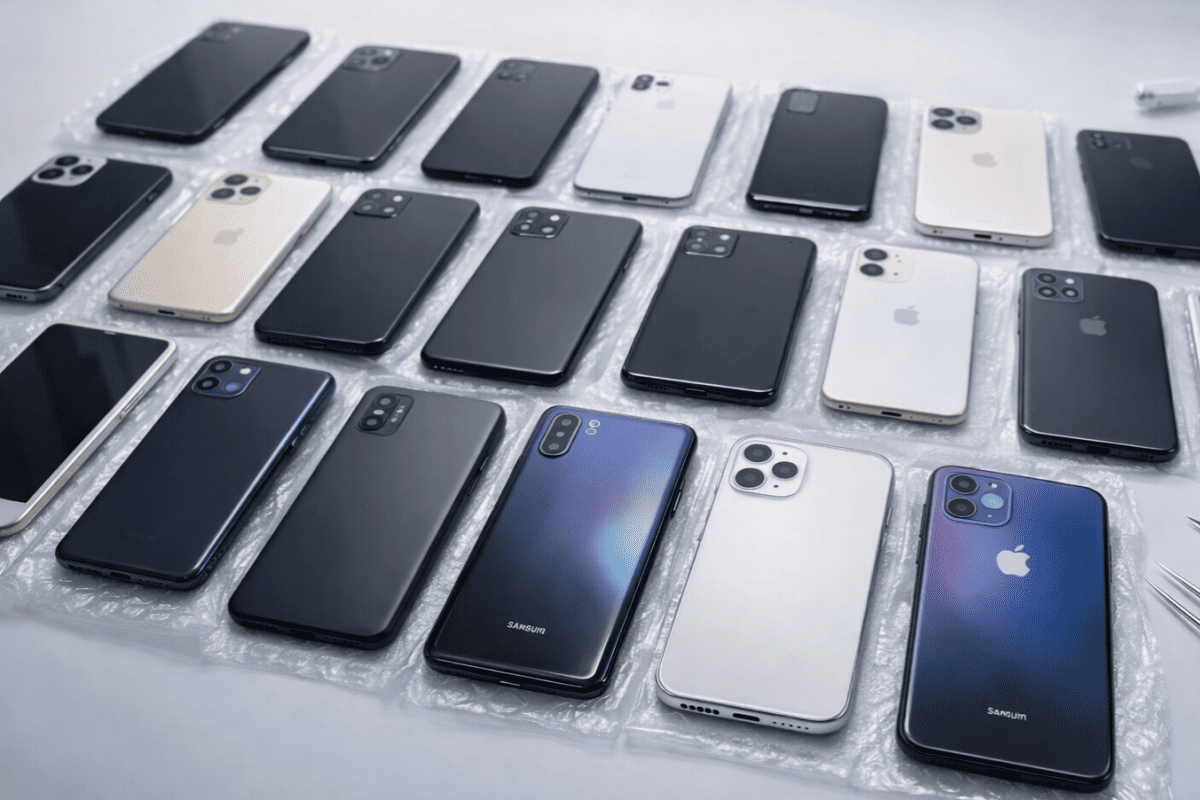
Used Tech Has Hidden Risks
Used tech often fails in ways that sellers do not notice, especially when the device depends on sensors, background services, or long-term battery wear. A practical example: a refurbished wearable may pair and sync, yet its heart-rate sensor can drift after 2–3 months of heavy use. Another example: a used smartphone can show a “good” screen on arrival, while its cellular modem or Wi‑Fi radio degrades under certain bands. In 2023, the U.S. Federal Trade Commission received 2,000+ consumer complaints related to fraud and scams involving online marketplaces, which is one reason to treat listings as unverified claims rather than proof.
Inspect before you pay.
Start with measurable facts. Battery health is one: many phones report a battery “capacity” percentage, and many laptops report cycle counts; those numbers predict runtime more reliably than a seller’s description. Software support is another: Apple iOS and Android security updates have defined lifetimes, and a device that no longer receives security patches can expose you to known vulnerabilities. For wearables, firmware support matters too, because sensor calibration and Bluetooth behavior depend on firmware versions.
Common Inspection Failures
People often inspect only the visible parts: screen, casing, and whether the device turns on. That misses failure modes tied to components that do not show obvious damage, like battery internal resistance, camera autofocus motors, microphone frequency response, or Bluetooth stability. Those failures matter because many health and wellness apps depend on uninterrupted data streams, and missing data can bias trends you later interpret.
Data gaps change readings.
Battery wear is a frequent culprit. Lithium-ion cells lose capacity and increase internal resistance over time, which can cause sudden shutdowns under load, slower charging, or unstable performance when radios transmit. A phone that survives light browsing can still crash during GPS navigation or video capture because those tasks draw higher current. For wearables, a worn cell can also reduce sensor sampling consistency, since the device may throttle power to protect itself.
Skip the “it charges” claim. Test load.
Another failure involves software and accounts. A used phone may show “factory reset” yet still be linked to an old cloud account, which can block setup or future app downloads. On Apple devices, Activation Lock tied to Apple ID can prevent use; on Android, Factory Reset Protection can do the same. If you buy a device for health tracking, you also need to confirm that the app can sign in and that the device supports the required permissions for motion and health data.
Privacy risk hides in backups.
Privacy and data residue also get overlooked. Even after a reset, some devices can retain data in unallocated storage until overwritten, and cloud backups can reintroduce old data during restore. Used smart home gear can retain Wi‑Fi credentials and device pairing history, which can expose your network if the seller did not fully remove it from the account. For cameras and doorbells, check whether the seller removed shared access and revoked old tokens, since “deleted from the app” does not always revoke access in every ecosystem.
Inspect With Numbers And Tests
Verify Model, Region, And Radios
Confirm the exact model number and region variant on the device settings screen, not just the listing title. This matters because radio bands differ by region, and a phone that works on Wi‑Fi can still fail on cellular in your area. In practice, check the “About” page for model identifier and compare it to the listing; then test Wi‑Fi on 2.4 GHz and 5 GHz networks if your router supports both. If you use health apps that rely on location, test GPS indoors and outdoors, since GPS sensitivity varies by hardware and firmware.
Test both bands. Twice.
Check Battery Health And Cycles
Look for battery health metrics that the device reports. Many iPhones show a “Maximum Capacity” percentage, and many Android phones show battery health in settings or via manufacturer diagnostics; laptops often show cycle counts in system tools. A battery with low capacity can still power on, yet it may drain quickly or restart under load. For a practical test, run a 10–15 minute screen-on task at medium brightness, then check whether battery percentage drops unusually fast compared with a similar new device.
Low capacity shows early.
Confirm Firmware And Security Updates
Check the current OS version and the security patch level before purchase. A device that is “up to date” on the day you test can still be near end-of-support, which means no future security fixes. For wearables, confirm firmware version in the companion app and verify that the app still supports that wearable model. I once saw a listing where the wearable paired, but the companion app refused to update firmware because the device was on an older firmware branch; the seller blamed the buyer’s phone, which was frustrating, but the logs showed the wearable was the blocker.
Security patch level matters.
Test Sensors With Real Workflows
For wearables and health trackers, test the sensors using the same workflow you will use later. Start a heart-rate measurement while seated, then walk for 2–3 minutes and watch for stable readings; optical sensors can drift if the lens is scratched or if the strap fit is wrong. For sleep tracking, test overnight only if you can return the device; short in-store tests rarely reveal sleep-stage misclassification. For cameras used in health documentation, test autofocus and low-light performance by taking 10 photos in the lighting you expect, then zoom in to check sharpness.
Run your real workflow.
Inspect Microphones, Cameras, And Ports
Used devices often have partial failures in ports and audio paths. Plug in a wired headset and record a 30-second voice memo, then play it back to check for distortion or dropouts. For charging, test with the exact cable type the device expects and verify stable charging for 5 minutes; a loose port can charge briefly and then stop. For tablets and laptops, check USB-C or Lightning port fit by gently wiggling the connector while charging; if the connection drops, the port may need repair.
Ports fail quietly.
Two Realistic Buyer Scenarios
Wearable With Drift After Setup
An anonymized buyer purchases a used fitness watch that pairs quickly and shows a normal heart-rate graph during a 5-minute test. After 2 weeks, the buyer notices heart-rate readings spike during rest, and the sleep summary shows fewer “deep sleep” minutes than expected. The likely causes include worn optical sensor lens, strap fit mismatch, or firmware behavior that the seller did not mention. The buyer resolves it by checking firmware version in the companion app, cleaning the sensor area, and comparing readings against a manual pulse check during rest; the device is returned when the drift persists across multiple strap positions.
Drift needs sensor checks.
Phone With Cellular Band Gaps
An anonymized buyer buys a used phone that works on home Wi‑Fi and loads apps quickly. Outside the home, the phone shows “No Service” in one neighborhood, even though the same carrier works on a second phone. The buyer later discovers the purchased model variant supports different cellular bands than the local network uses, which can happen when a listing mixes global and regional variants. The buyer confirms the model identifier in settings, compares it to the carrier’s supported bands, and returns the device when the mismatch persists after a network reset.
Band mismatch costs time.
Quick Decision Checklist
Use this comparison checklist to decide whether a used device is worth testing further. It focuses on verifiable checks rather than seller statements.
| Category | What To Inspect | Pass Signal | Fail Signal |
|---|---|---|---|
| Battery | Health % or cycle count; 10–15 min load test | No sudden shutdowns; stable drain | Random restarts; rapid drop under load |
| Security | OS version; security patch level | Patch level recent; updates still offered | End-of-support; no security updates |
| Accounts | Activation/FRP status; app sign-in | Setup completes under your account | Lock screen prompts; blocked sign-in |
| Sensors | Short measurement tests; lens/fit check | Stable readings during rest and movement | Spikes, dropouts, or persistent drift |
| Ports/Audio | Charging stability; mic playback | Charge stays stable 5 min; clear audio | Intermittent charging; distorted recordings |
Common Mistakes Buyers Make
People often accept “works perfectly” without a repeatable test. A device can pass a quick power-on check and still fail under the specific conditions you will use, like GPS outdoors, Bluetooth to a specific headset, or a health app that needs background permissions. Another mistake involves ignoring the return window terms; some listings offer returns for hardware faults but exclude software or account issues, which shifts the risk onto you.
Read the return terms.
Buyers also forget to check accessories. A used phone may include a cable that fits, yet it can be a low-quality cable that triggers slow charging or intermittent data transfer. A used wearable may include a strap that looks fine but fits differently, which changes sensor contact pressure and affects readings. I have seen listings where the seller included a “compatible” charger, and the device charged, but only at a reduced rate that later caused battery anxiety.
Accessories change performance.
Another common error is restoring from an old backup. Restoring can bring back old app settings, old permissions, and sometimes old health data that confuses trend analysis. If you care about health tracking, start with a clean setup and then install only the apps you need. For privacy, review cloud sync settings before you reconnect to your main account, since sync can upload local data immediately.
Clean setup reduces confusion.
FAQ
What battery metric matters most?
Use the device’s reported battery health or capacity percentage when available, then confirm with a short load test. If the device only shows “battery level,” treat that as insufficient and negotiate a return option.
How do I check for account locks?
Complete the setup flow under your own account and watch for Activation Lock or Factory Reset Protection prompts. If the seller cannot sign out and remove the device from their account, stop the purchase.
Do firmware versions affect health apps?
Yes, because sensor calibration and Bluetooth behavior depend on firmware and companion app versions. Check firmware version in the companion app and confirm the app still supports that wearable model.
What tests catch hidden sensor problems?
Run a rest measurement and a short movement session while watching for spikes or dropouts. For cameras, take 10 photos in your expected lighting and zoom in to verify autofocus and noise behavior.
How should I handle privacy after setup?
Review permissions for health data, location, and microphone access before using the device. Avoid restoring from an old backup if you want clean baselines for health trends.
Author's Insight
Used-device failures cluster around battery wear, account linkage, and sensor calibration, not around obvious cosmetic damage. Those areas connect to measurable signals: battery health numbers, security patch levels, setup lock prompts, and repeatable sensor tests. When a listing lacks these details, you can still reduce risk by requiring a setup under your account and running short, realistic workflows before you commit. This approach treats the seller’s description as a starting point, not evidence.
Key Takeaways
Verify model and radios, then test battery under load. Confirm security patch level and check that the device still receives updates. Remove account locks and pairings before paying, and review permissions after setup. Used tech can work well, but the inspection steps above prevent the most common “it worked at first” failures.