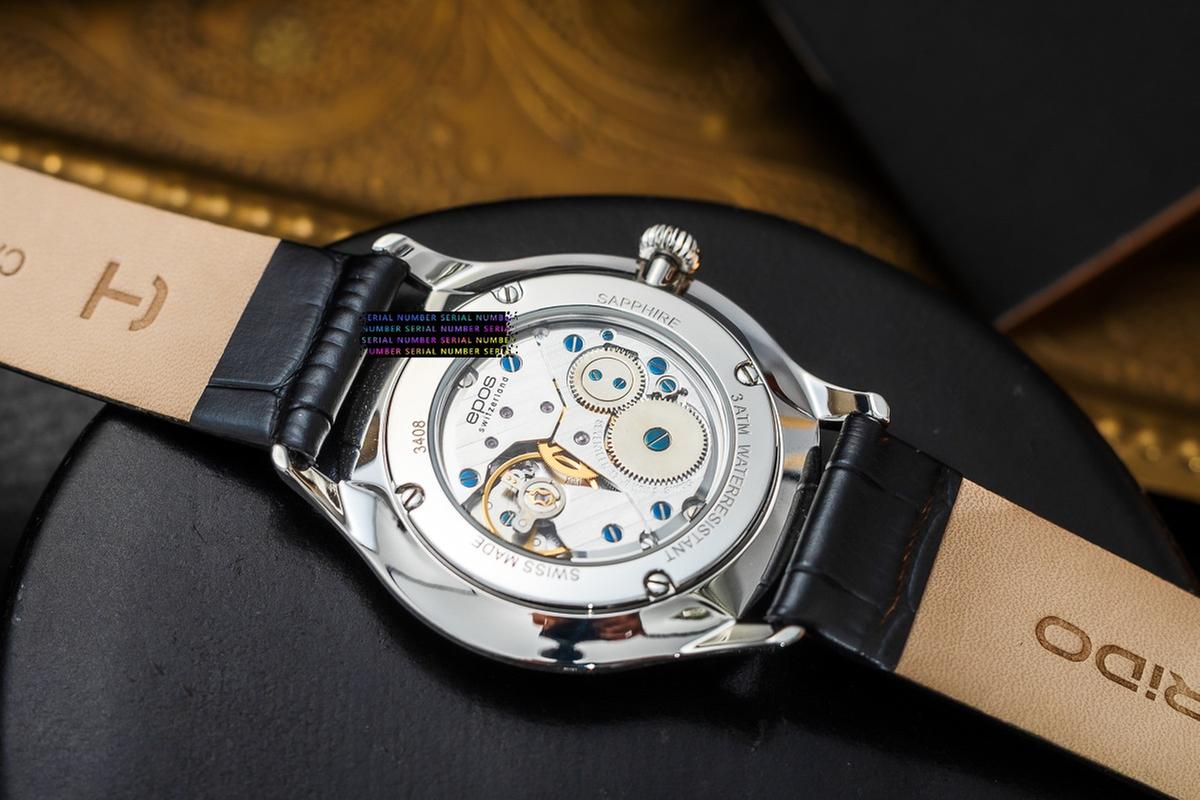
Verify Model Numbers First
Model numbers act like a product’s fingerprint, but they rarely tell the whole story by themselves. A seller may list a model number that matches the marketing name while the underlying hardware revision differs. That mismatch can change compatibility with accessories, power requirements, mounting patterns, or software support. Before you buy, confirm the model number using at least two independent sources, then cross-check it against the manufacturer’s documentation for that exact variant.
Start with the exact text you see on the item you plan to purchase: letters, hyphens, and suffixes matter. “Model 1234” and “Model 1234A” can represent different revisions, and “1234-UK” can indicate a region-specific configuration. If the listing shows only a partial number, treat it as incomplete information and ask the seller for the full model string.
Common Model Verification Failures
People often verify model numbers using only the product title on a marketplace listing, which can be copied from a different bundle. Listings also get edited when inventory changes, and the model field may lag behind the actual stock. Another frequent failure comes from confusing a model number with a serial number, a SKU, or a marketing name. A serial number identifies a specific unit, while a model number identifies a design family; mixing them leads to incorrect compatibility assumptions.
Supporting identifiers can sit next to the model number and still get ignored. For example, electronics listings may include a “part number” for the internal board, a “hardware revision” in the manual, or a “region code” on the label. Appliances may show a model number on the door label and a separate “type” code on the rating plate. Those codes can map to different components even when the external model string looks similar.
Dependencies also matter. A model number might match the physical device, yet the firmware version can change features. A power adapter model can differ by wattage or connector shape even when the main device model matches. When a product uses consumables or accessories, the accessory’s compatibility list may reference a specific model revision, not the broad marketing name. This is where returns happen—someone buys the right device family, then discovers the included parts or supported accessories do not match.
How To Verify Before Checkout
Check Labels And Packaging
Verify the model number from the most authoritative physical sources: the manufacturer label, the rating plate, or the box label. For electronics, look for a label that includes “Model,” “Type,” or “P/N” alongside regulatory markings. If you are buying online, request a photo of the label that shows the full model string. I’ve seen listings where the model field omitted a suffix letter, and the photo revealed “-B” at the end; that suffix matched a different accessory kit in the manual.
When the seller cannot provide a label photo, use the manual as a second source. Manuals often include a model-number table that maps features to exact variants. If the listing model does not appear in the manual’s supported models section, stop. Manuals sometimes lag behind production changes, but they still provide a tighter reference than a marketplace title.
Cross-Check With Manufacturer Docs
Use the manufacturer’s website to find documentation for the exact model string. Search the model number exactly as written, including hyphens and spaces. Then confirm that the page you land on matches the same product category and key specs shown in the listing. For example, a power tool model page may list a specific battery voltage and charger type; if the listing claims a different voltage, the model number may be wrong or the bundle may differ.
Pay attention to revision indicators in documentation. Some manuals show “Rev. 1.2” or a publication date; those details can hint at which hardware revision they cover. If you see a manual dated 2022 for a model that the listing claims is “new,” that mismatch does not automatically mean the listing is wrong, but it does mean you should verify the variant more carefully.
Confirm Compatibility For Accessories
Model verification becomes more than identity when accessories or replacement parts are involved. Check the accessory compatibility list in the manual or on the manufacturer’s parts page. Many products accept multiple accessory generations, but the compatibility list often references exact model numbers or hardware revisions. If the accessory page lists “Model X only,” then “Model X (rev. Y)” might still be incompatible.
For replacement parts, verify both the device model and the part number. A common trap is ordering a replacement filter or cable using only the device model; the manufacturer may require a specific part number because the connector type or mounting bracket differs by revision. If the seller lists a generic “fits all models,” treat that as a red flag unless the manufacturer explicitly states the compatibility.
Use Seller Policies As A Safety Net
Even careful verification can fail when bundles differ between regions or production runs. Use the seller’s return policy as a last line of defense, but do not treat it as a substitute for verification. Look for conditions that affect returns, such as “opened packaging” restrictions, restocking fees, or requirements to return all included accessories. If the seller offers returns only for “defective items,” a compatibility mismatch may not qualify.
Keep evidence. Save the listing URL, the model-number text, and any messages where the seller confirms the model. If you use a browser tool like “uBlock Origin” to reduce tracking popups, you may still want to copy the model string manually into a note—marketplace pages sometimes change after you purchase, and screenshots can become the only record.
Educational Case Examples
Appliance Door Label Mismatch
A buyer orders a countertop appliance online using the model number shown in the listing title. After delivery, the buyer checks the rating plate and finds the model string includes an extra suffix letter. The manual for the suffix variant lists a different power cord type and a different accessory attachment. The buyer returns the item after confirming that the included cord does not match the manual’s supported configuration.
The lesson: the listing title matched the marketing name, but the physical label revealed a revision that changed included components. Verifying the model number from a label photo before purchase would have prevented the mismatch.
Electronics Bundle With Different Adapter
A buyer purchases a handheld device that lists “Model HZ-200” and expects a specific charging adapter. The listing includes a photo of the device, but the model number on the box label includes “HZ-200K.” The manufacturer documentation for HZ-200K specifies a different adapter wattage and a connector variant. The buyer can power the device with a compatible adapter, but the included adapter does not match what the buyer expected for their existing setup.
The lesson: even when the core device model is close, suffixes can change bundled parts. Cross-checking the manufacturer’s “in the box” or accessory list for the exact model string reduces surprises.
Model Number Checklist And Table
Use this checklist before checkout. If any step fails, request clarification or pause the purchase.
| Verification Step | What To Look For | Common Failure | Action If Mismatch |
|---|---|---|---|
| Exact Model String | Letters, hyphens, spaces, suffixes | Listing omits a suffix | Ask for a label photo or full model text |
| Manual Match | Manual lists your exact model | Manual covers a different revision | Confirm revision or choose a different listing |
| Accessory Compatibility | Accessory page references your model | Accessory fits only a subset | Verify accessory part number, not just device model |
| Bundle Contents | Included adapters/cables match docs | Different region bundle | Request “in the box” confirmation |
- Copy the model number exactly from the listing and compare it to the manufacturer’s model search.
- Request a photo of the label showing the full model string if the listing lacks it.
- Open the manufacturer manual for that exact model string and confirm the supported models table.
- Check accessory or replacement parts pages for exact compatibility references.
- Verify bundle contents against documentation, especially adapters, cords, and mounting hardware.
- Read the return policy for opened packaging and restocking fees before ordering.
Common Mistakes To Avoid
One mistake is trusting a “fits model” statement from a third-party seller without a manufacturer reference. Another is using the serial number as a proxy for model identity; serial numbers vary by unit and do not map cleanly to compatibility lists. People also skip the suffix and treat it as cosmetic, even though suffixes often represent region, bundle, or hardware revision.
Some buyers verify only the model number and ignore the part number. For replacement items, part numbers drive compatibility more directly than model numbers. If you order a replacement filter, cable, or mounting bracket, the manufacturer’s parts diagram usually lists the part number tied to a specific revision. A mismatch can still happen even when the device model matches.
Another practical error involves screenshots and cached pages. If you rely on a screenshot taken on a phone with a cropped label, you may lose the suffix characters. I’ve seen “HZ-200K” become “HZ-200” in a blurry photo, and the missing “K” changes the adapter spec in the manual.
Finally, buyers sometimes assume that a return will be frictionless. Restocking fees and “opened packaging” rules can turn a simple compatibility error into a costly delay. Checking the policy before purchase reduces the temptation to gamble on incomplete model information.
FAQ
Where Is The Model Number Usually Found?
Look for a label on the product body, the rating plate, or the box. Electronics often show “Model” and “P/N” on a regulatory label; appliances often use a rating plate near the door or back panel.
Can A Model Number Change By Region?
Yes. Region-specific variants can change included power cords, adapters, or regulatory markings while keeping a similar model family name. The full model string with suffixes typically captures the region or bundle.
What If The Listing Model Number Is Incomplete?
Pause the purchase and request the full model string from the seller, ideally with a photo of the label. If the seller cannot provide it, use a listing that includes the complete model number and matches the manufacturer’s documentation.
Does The Manual Always Match The Exact Model?
Most manuals cover specific model families and revisions, but production changes can occur. Verify that the exact model string appears in the manual’s supported models section, then check accessory compatibility pages for that same string.
How Do I Verify Compatibility For Accessories?
Use the manufacturer’s accessory or parts page tied to the exact model string. When available, match both the device model and the accessory part number, since “fits model” claims can be revision-dependent.
Author's Insight
Model-number verification works best when you treat the model string as a key that must match across multiple references: the physical label, the manufacturer’s documentation, and the accessory or parts compatibility page. Marketplace titles often compress information and can omit suffixes that change hardware or bundles. When documentation includes revision dates or “Rev.” indicators, those details help you judge whether the manual aligns with the variant you are buying. If you cannot obtain a label photo, the next best step is to confirm that the exact model string appears in the manufacturer’s supported models list and that the accessory pages reference the same string.
Key Takeaways
- Verify the full model string with suffixes, not just the marketing name.
- Use at least two sources: the label (or label photo) and the manufacturer’s documentation.
- Check accessory and replacement parts compatibility using the exact model string and, when listed, the part number.
- Read return policy terms for opened packaging and restocking fees before ordering.